

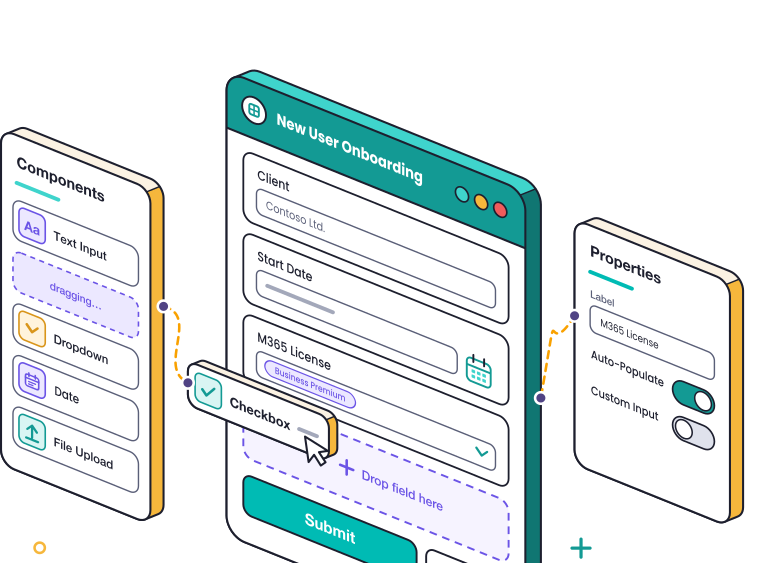
Give clients a better way to ask for what they need
Let the Rewst Agent build branded, dynamic forms that collect the right information up front and feed it directly into your automations.
Let the Agent build the whole request flow
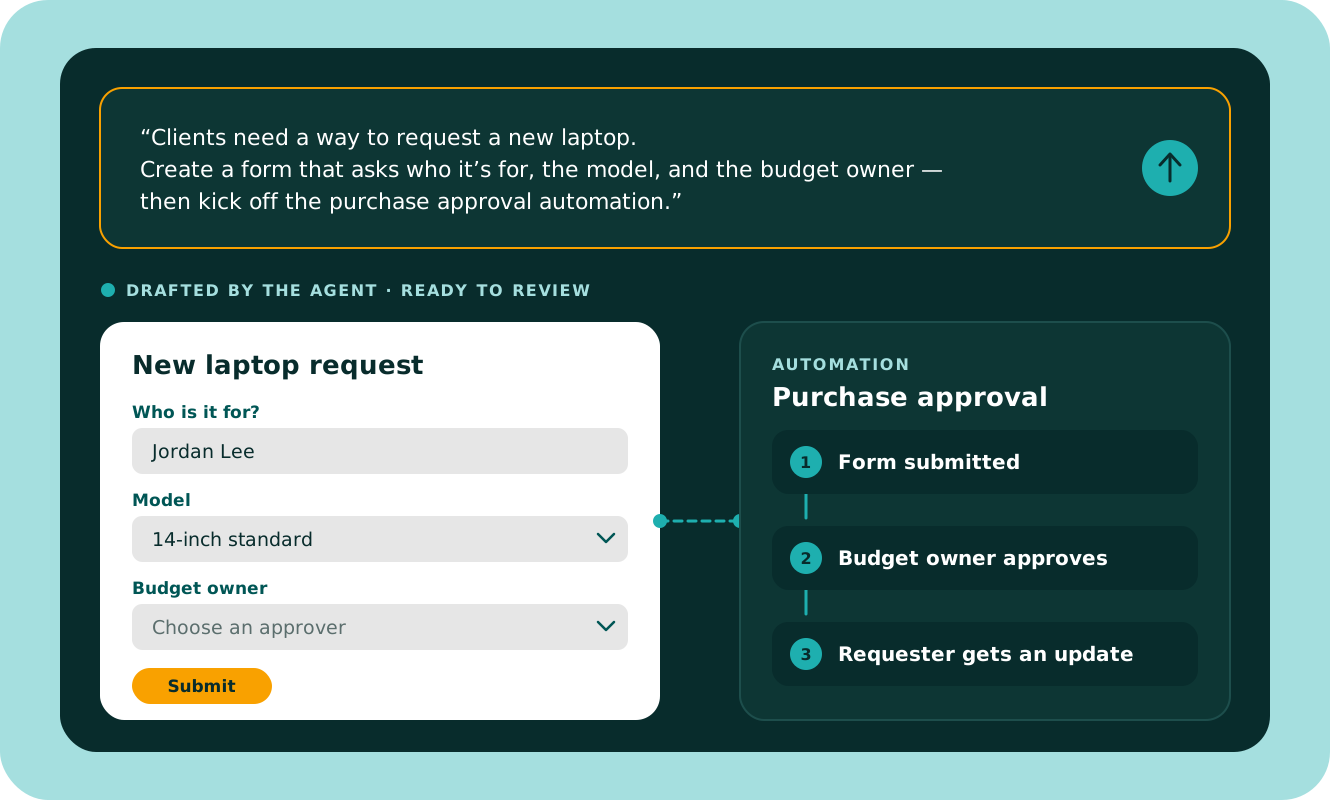
Tell the Agent what you want the client to request and what should happen next. It can build the form, the workflow behind it, or both together.
Fields, sections, and logic are all editable. Show questions only when they’re relevant, or fill them automatically from information you already have.
No coding required to build or publish it.
.svg)
Or build exactly what you need
Use the form canvas with about 40 drag-and-drop components for structure, content, and inputs.
Build multi-page, branded, dynamic forms without custom code or another form tool — and connect them directly to the automations your team already runs.
Make self-service part of the reason clients stay
Build branded forms that make it easier for clients to get what they need while keeping more of the service experience inside your MSP.
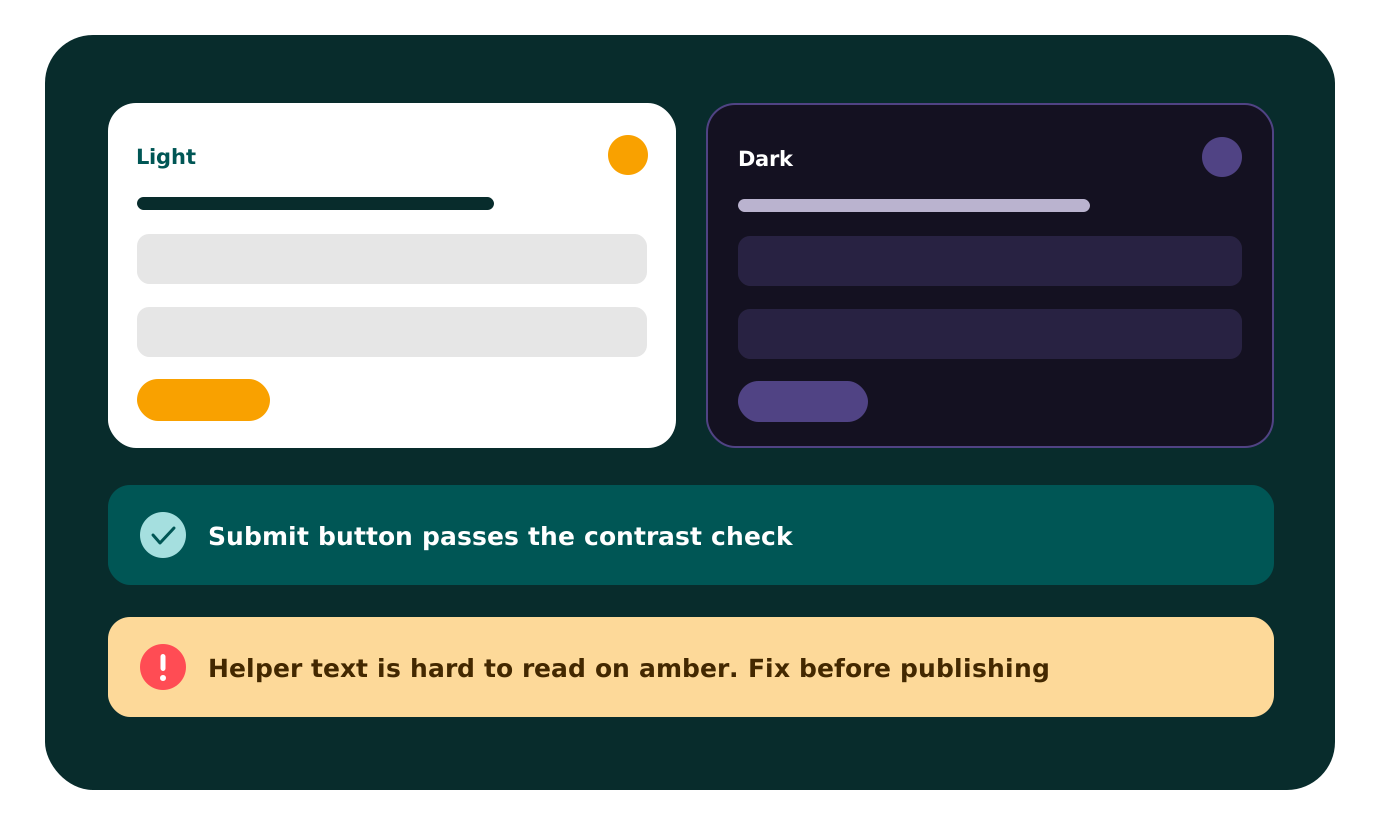
Apply your branding — or your client’s — with custom colors, layouts, cards, and themes, so self-service feels like part of the service you provide rather than another tool they have to learn.
Built-in accessibility checks flag poor contrast before anyone sees it. And clients can even choose light or dark mode, with their preference remembered the next time they return.
Build it once. Use it across clients.
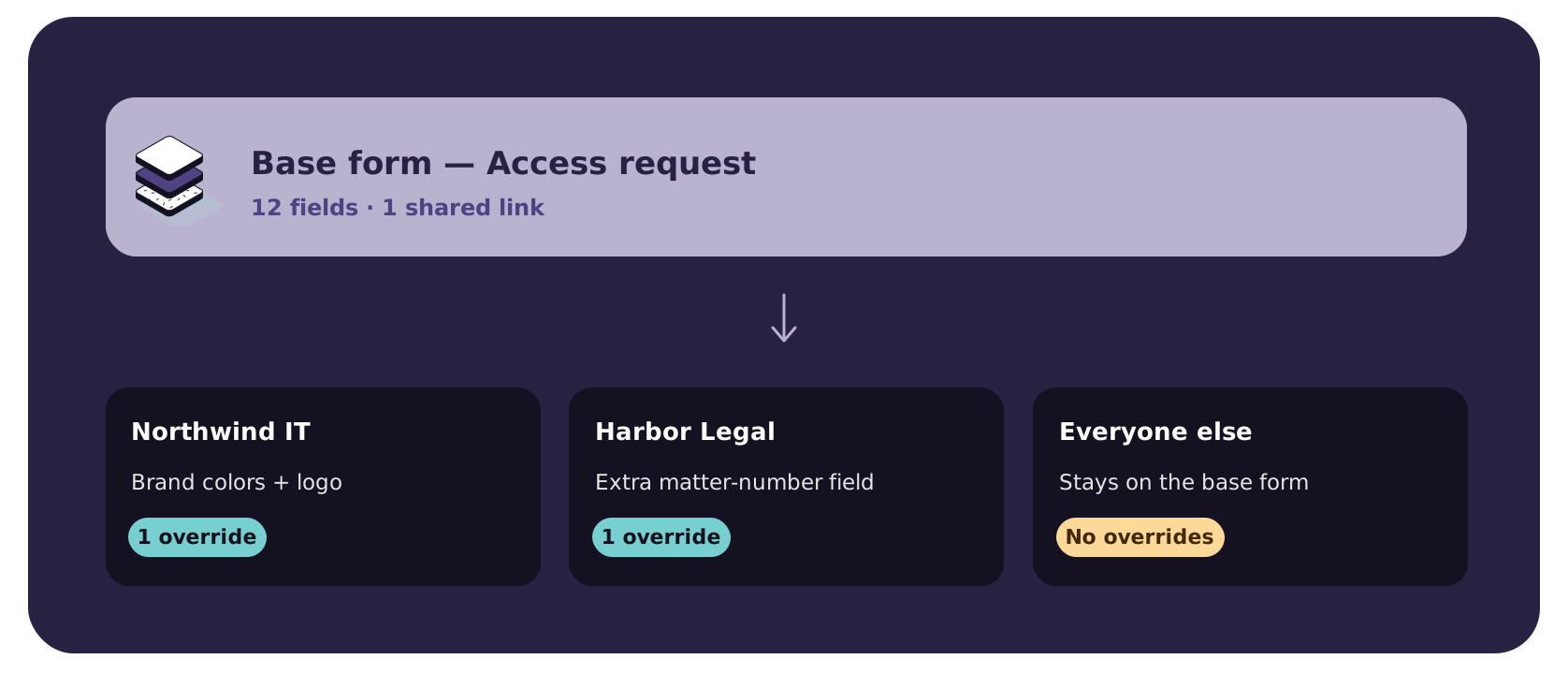
Create the form once, then customize only what a specific client needs — a field, branding, access, or other exception — without changing the base version.
Standardize the experience across your client base, then tailor what matters for each one — giving clients something that feels specific to them without creating more work for your team.
Clients can use the same link and still see the version meant for them.
Spend less time chasing missing information
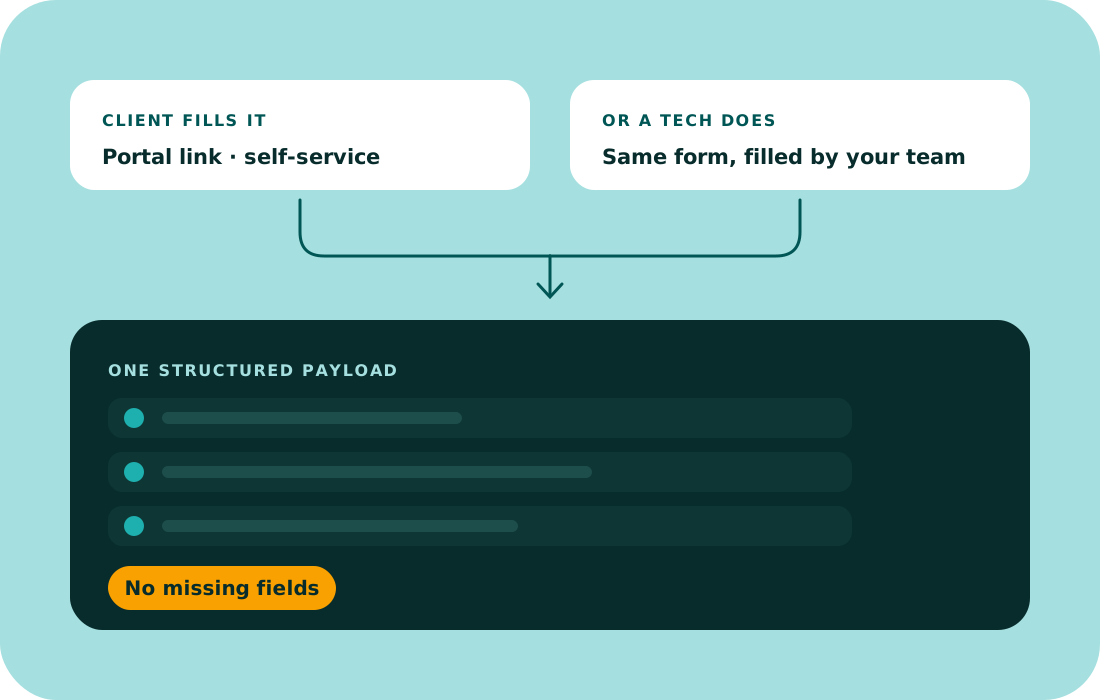
Forms aren’t only for clients. Techs can use them too — to collect the right information, start repeatable processes, and keep requests moving without hunting down missing details.
Whether the client fills it out or the helpdesk does it for them, the workflow gets the same structured input.
Form Builder FAQs
The questions we hear most often. Still have more? We're here to help.
What happens after clients hit submit?
Their answers feed directly into Rewst and trigger your chosen automation. No manual data entry required.
Can I reuse a form across multiple clients?
Yes. Build it once, then use client-specific overrides only where something needs to be different. Everyone else stays on the base form.
Can forms adapt to different client environments?
Yes. Dynamic fields pull live data from your PSA, RMM, or other connected tools, so options stay current.
How do clients access these forms?
Share a link, embed it in your portal, or add it to your website — no logins required on their end.

Spin up a form. Save a day.
See how dynamic forms trigger updates across your stack automatically.