
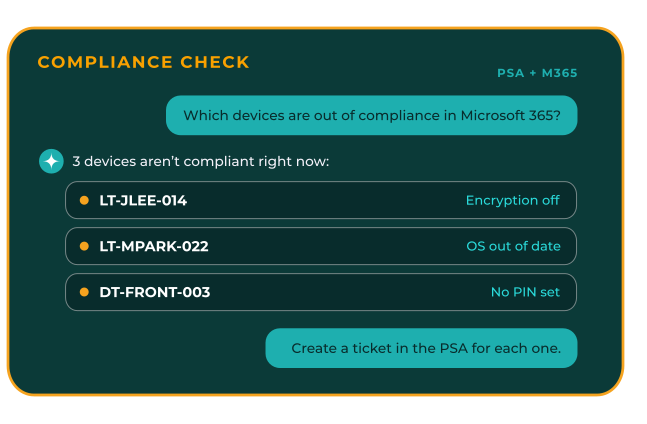
One-off questions and actions, without the workflow
Ask a question or take a one-off action across the tools you’ve already connected. Rewst gives the Agent — or another AI tool you use — a governed way to do it.
Access stays client-scoped, permissioned, and logged.

One request, not a whole project
Some work doesn’t need a workflow.
“Compare this month’s Pax8 invoice against what’s on contract in ConnectWise PSA.”
“Create a ticket in NinjaOne for every device flagged out of compliance in Microsoft 365.”
These are one-off asks, not repeatable processes. Building a workflow for something you’ll do once is overkill.
The Rewst Agent can handle them directly inside the client tenant you’re working in. So can another MCP-compatible AI tool your team uses, connected to Rewst. Either way, it works through the tools you’ve already connected — no workflow required.
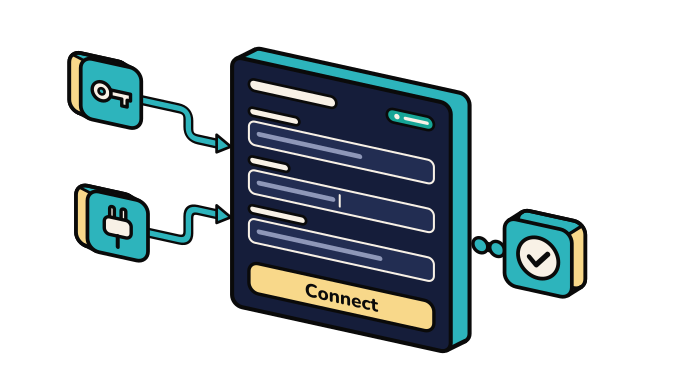
Use the Rewst Agent — or bring your own AI
Ask the Rewst Agent directly, or connect another MCP-compatible AI tool your team already uses.
It works through the integrations you’ve already connected to Rewst, so there’s no second set of connections to maintain.
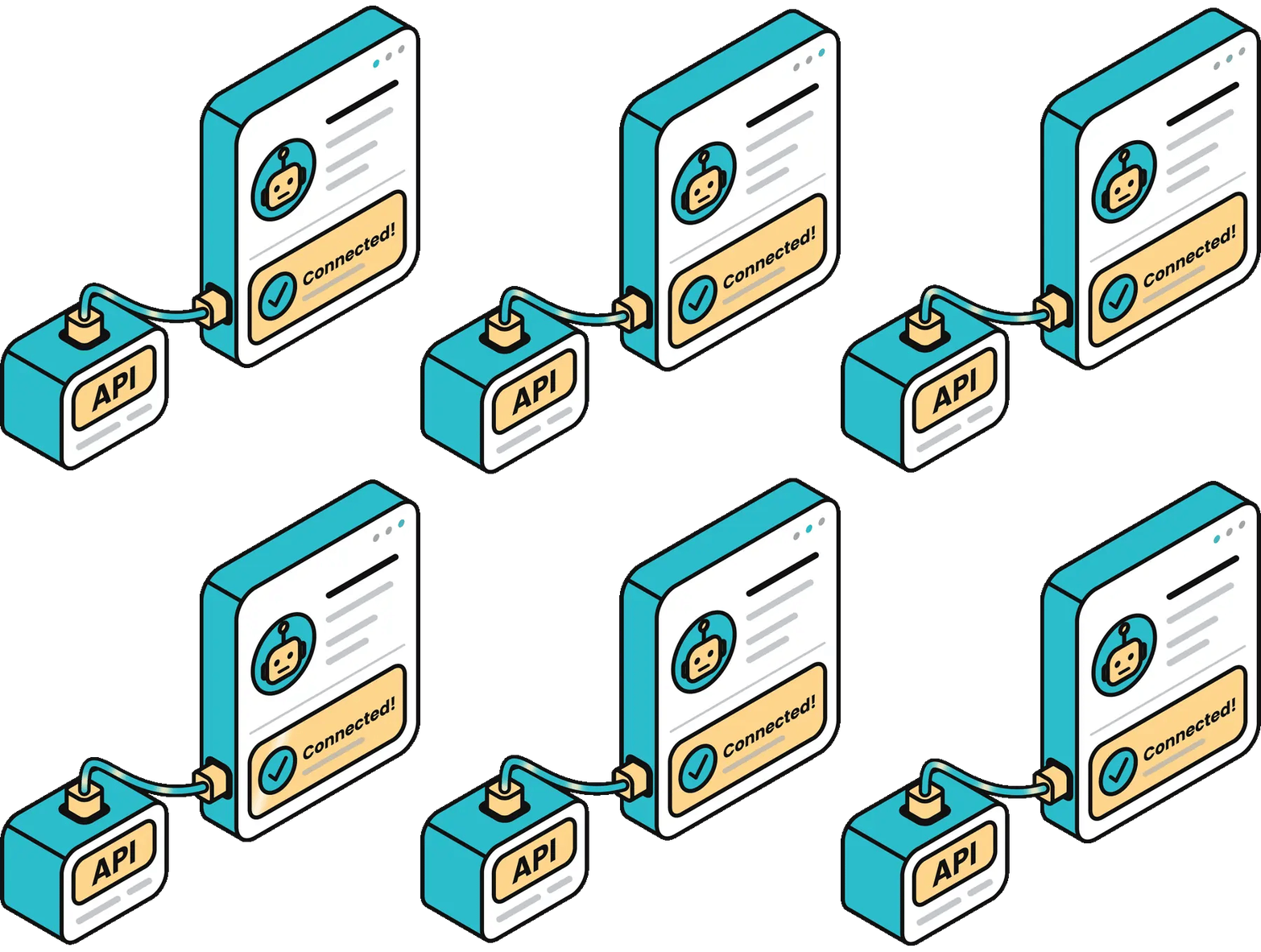
Already connected. Ready to use.
Once a tool is connected to Rewst, the Agent can use it here too.
No second setup, no separate API connection.
Connect it once and start asking questions or taking actions
right away.
AI access, with the controls an MSP needs
Your team may be asking AI to look things up or take action across client systems. Rewst gives that access clear boundaries: which client it can reach, what the integration allows, and a record of what happened.

Visibility

Control

Client isolation

One place to control access
Built for MSP multi-tenancy
Every AI connection stays scoped to a single client tenant, with credentials, data, and activity kept separate.
Your team gets one way to manage AI access across clients without mixing what belongs to which client.

Give AI access without giving up control.
Let the Rewst Agent — or the AI tools your team already uses — work across your connected stack with client isolation, controlled access, and a clear record of every action.