


Automations
Turn the work you know into automation that runs
Right now, service quality depends too much on who picks up the ticket. A few people know the best answer, the right process, and what clients actually need to see. Everyone else is left to piece it together.

Go from idea to working automation
Tell the Rewst Agent what you need in plain language, and it builds the workflow for you.
Every step lands on the canvas. Open any node to see what it does, change it, or remove it before the workflow goes live.
A simple request like, “When an urgent ticket comes in, notify the on-call tech and open a related task in the PSA,” is enough to get started.
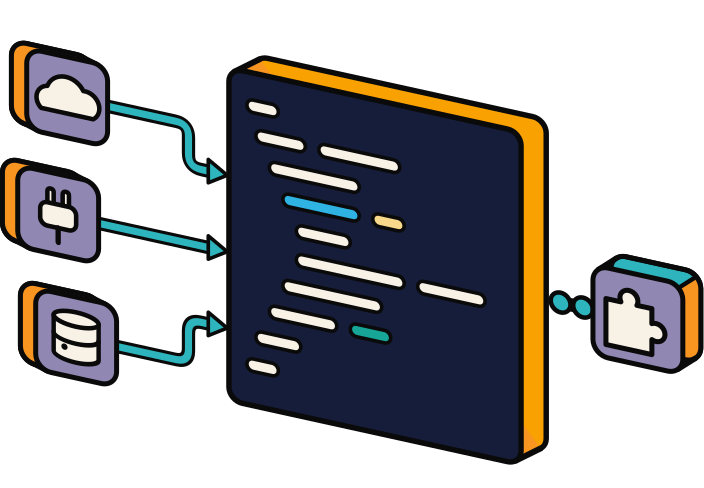
Take over wherever you want
The Rewst Agent is the easiest way to build, but you’re never locked into it. Use the same canvas, nodes, connectors, and logic to edit the automation or build it yourself from scratch.
Built-in nodes handle transforms, branches, loops, and other common logic, so most workflows don’t need custom code. When they do, code expressions are available.

More people can automate. Your experts stay in control.
The person who understands the problem can describe what needs to happen and let the Agent get the workflow started.
Automation engineers can review, refine, and extend it when the work gets more complex.
That means less time translating requests between teams — and more of your automation expertise spent on the work that actually needs it.
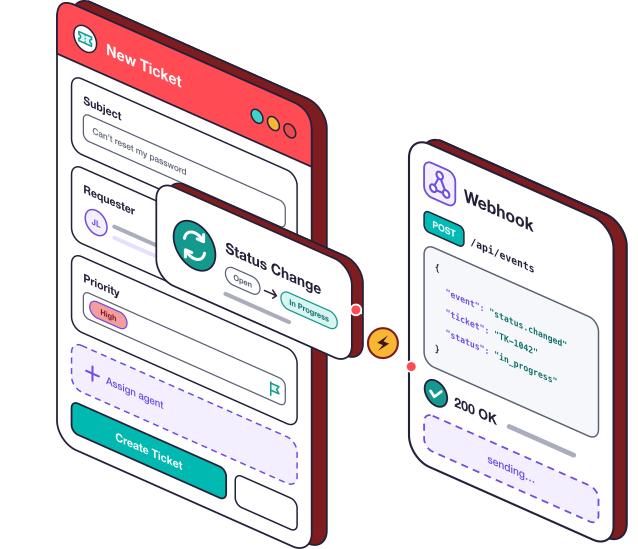
Run the work when it needs to happen
Start an automation manually, on a schedule, or when something happens elsewhere in your stack — a form submission, new ticket, status change, or webhook.
Add conditions so it runs only when it should.
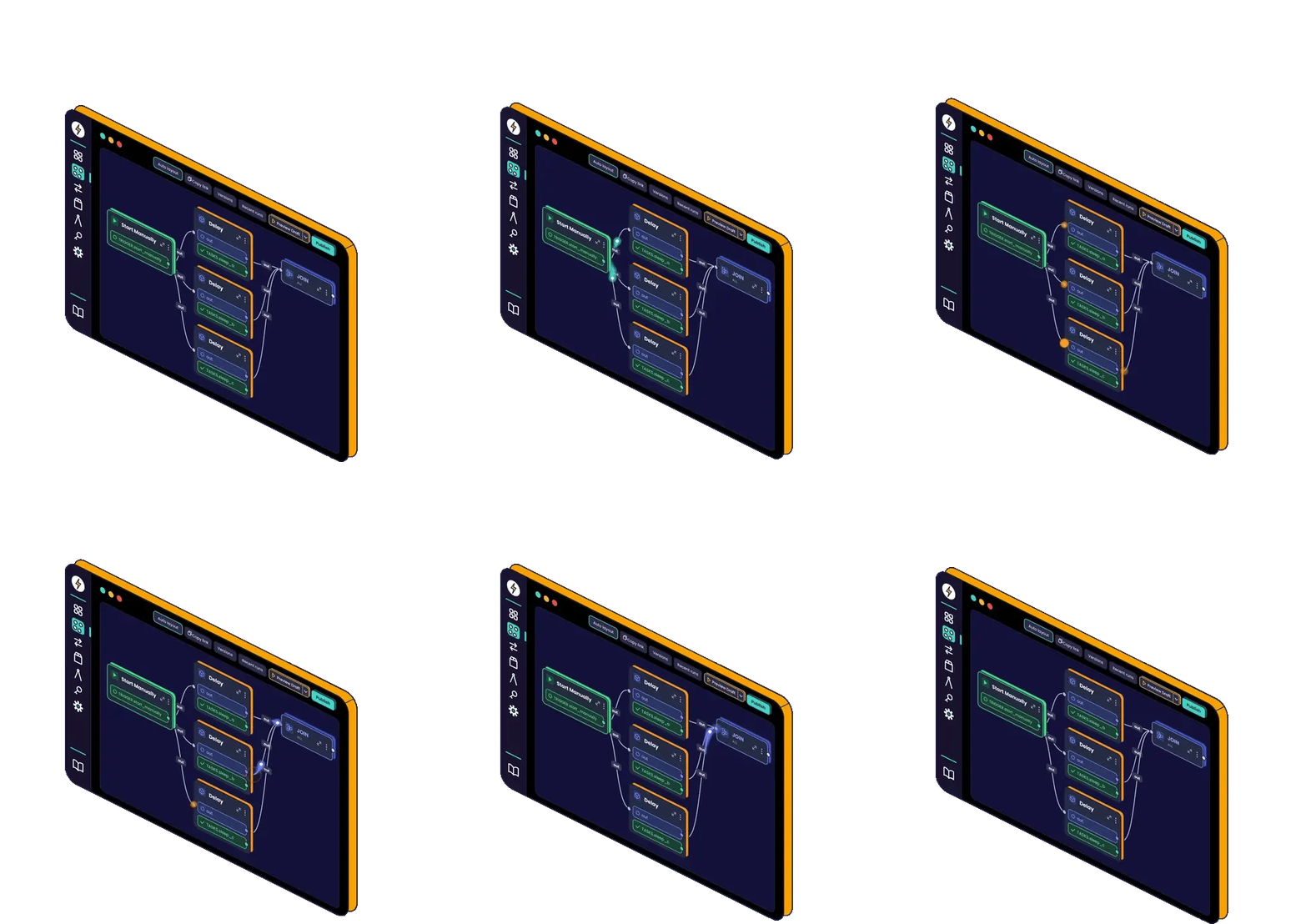
Know what it’ll do before it does it
Test with mock data first, without touching a live system. Then use real data to see how the workflow behaves before you turn it on. When everything looks right, put it into production.
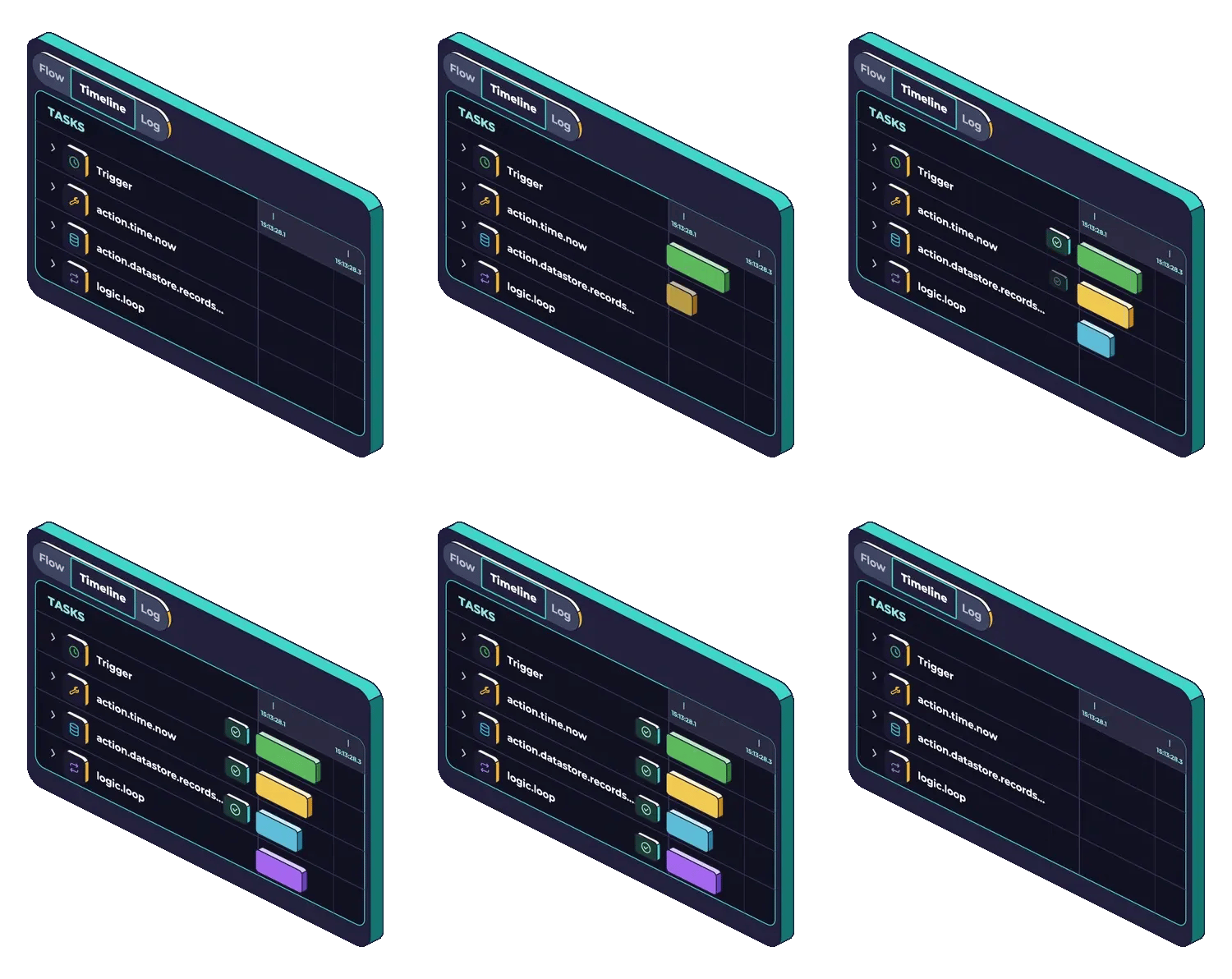
See every run, step by step
Every workflow leaves a clear record of what happened.
Open any run to see each step, the data it received, and what it sent. If something needs attention, you can see where and why instead of hunting through logs across multiple tools.

Build once. Run it across clients.
Rewst is multi-tenant by design. Run one workflow across multiple clients, adapt it where a client needs something different, and keep every client’s credentials and data separate.
See what ran and what actions it took, with a clear history for each client.
Start with the work eating up your team’s time
Onboarding & offboarding

Billing reconciliation

Client reporting & dashboards

Security alerts & remediation

AI ticket triage

Scheduling & client self-service

Automation FAQs
The questions we hear most often. Still have more? We're here to help.

What should we automate first?
Start with a repeatable process that drains your team’s time and energy. The Rewst Agent can help you identify quick wins based on your integrations.
What if an automation isn’t running as expected?
Ask the Rewst Agent or chat with our active Rewst community of MSP builders and business leaders for guidance. You’ll get context-aware help and peer-tested fixes fast. Check out our community page for additional resources and support.
Is my automation data secure?
Yes. Sensitive data is encrypted, monitored, and penetration-tested to keep workflows safe.
Who in my org is best suited for building automations?
Anyone who knows about the problem you're trying to solve, has an automation mindset, some technical acumen, or a good grasp of business processes.
Automation takes off when both technical builders and business leaders are bought into the same automation goals and plan.

See your automations run themselves
See how Rewst automates the workflows that slow your team down.