

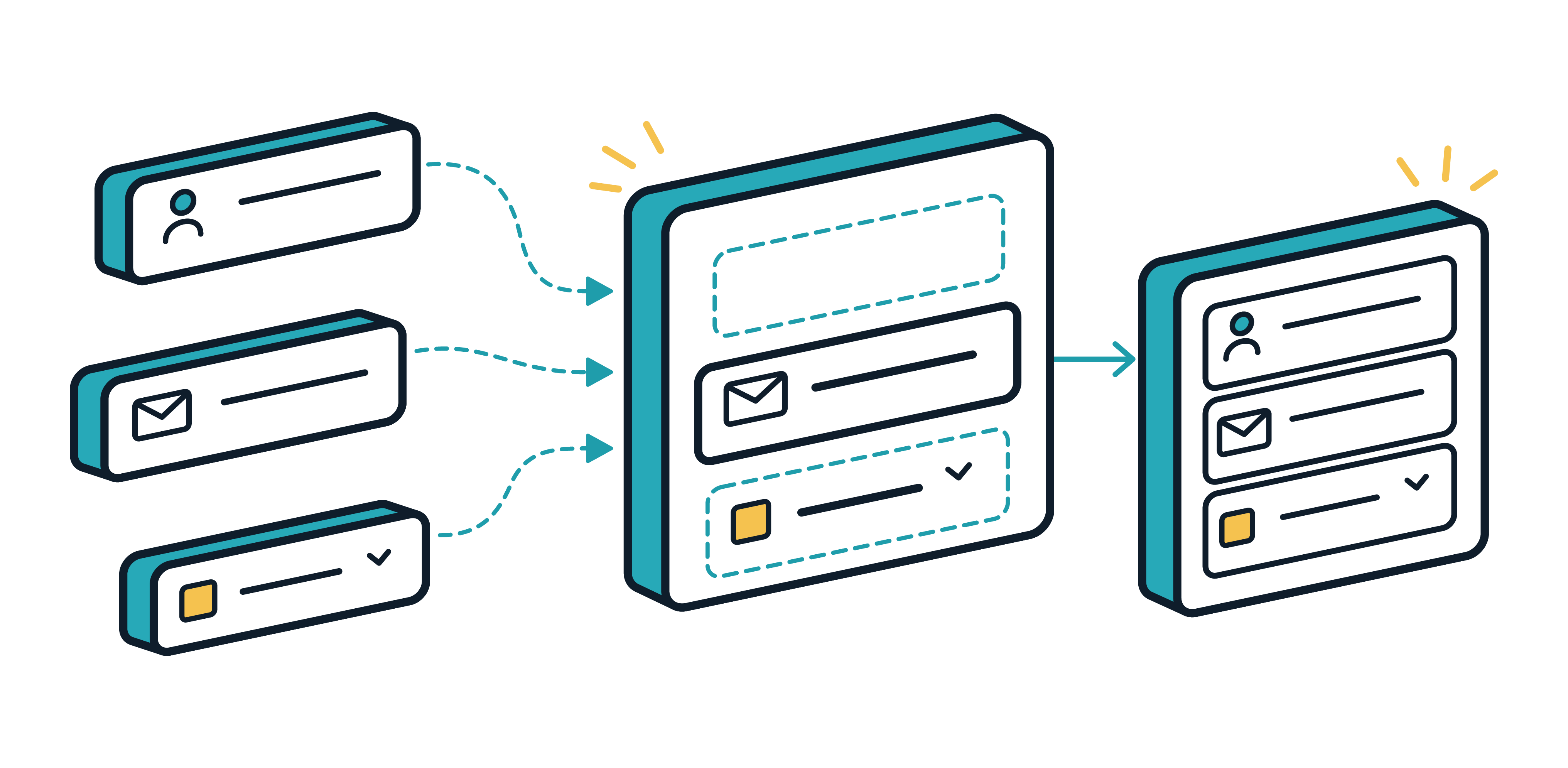
Deliver a front door to your automations
Turn the work already running in Rewst into branded web apps, client portals, dashboards, and reports. Tell the Rewst Agent what clients should be able to see or do, and it helps build the experience around the workflows behind it.
Build polished client-facing experiences
All without becoming a front-end developer. Tell the Rewst Agent what clients should be able to see and do. It builds the pages, components, automations, forms, and actions that make it work.
Everything stays editable, so you can adjust the layout, logic, automations, or underlying HTML when you want more control.

Deliver the exact experience you want
When you want to go beyond the Rewst agent, you can drag components onto the page and decide what should happen when someone clicks, loads a page, or submits a form.
Set navigation, branding, and shared page elements once, then carry them across the rest of the app.
What can you put in front of clients?
A few ideas to start, but it doesn't have to end with these.

Client self-service portal

QBR dashboard

Client reporting
Internal operations app
One app, branded for any client
Set up each client’s logo, colors, fonts, and other brand details once. Then configure the app to use the right branding based on who’s viewing it.
That gives each client an experience that feels made for them without maintaining a separate app for every one.
Preview exactly what each client will see before you share it.
Put it in front of the right people
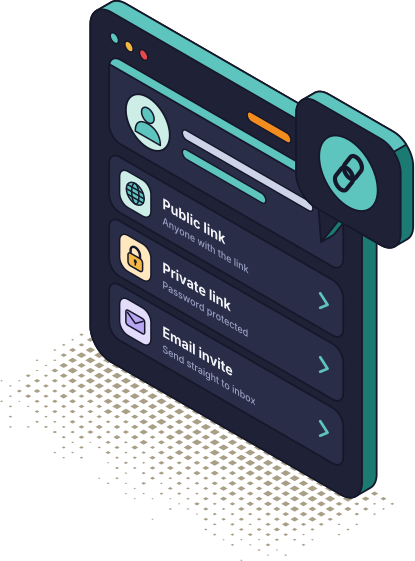
Give clients a public link, private link, or email invite — no Rewst account required.
Control access by client, role, or individual, so each audience sees only what’s meant for them.

Give clients a live view of the work you’re doing
Pull live workflow data into client-facing apps and dashboards so clients can see the value you’re delivering without waiting for the next report or QBR.
Need a copy outside the app? Turn the same data into a downloadable PDF when someone needs a report outside the app.

Let clients handle more without opening a ticket
Give clients a place to check status, submit requests, trigger approved workflows, or take other common actions on their own.
Your team gets fewer routine requests. Clients get answers and action faster.
Apps FAQs
The questions we hear most often. Still have more? We're here to help.
Can I reuse an app across multiple clients?
Yes. Build it once and let branding, workflows, forms, and access change based on who’s viewing it. You get a client-specific experience without maintaining a separate app for every client.
Who can open an app I build?
Whoever you choose. Make it public with no login, share a private link, restrict it to specific clients, roles, or people with Rewst access, or send an email invite that doesn't require a Rewst account at all.
Do I need to know HTML to build one?
No. The Agent can build the app from a description, or you can use drag-and-drop components yourself. The underlying HTML stays editable when you want more control.
Give your automations a front door.
Build branded apps that give users a simple way to interact with the workflows, data, and tools behind them.